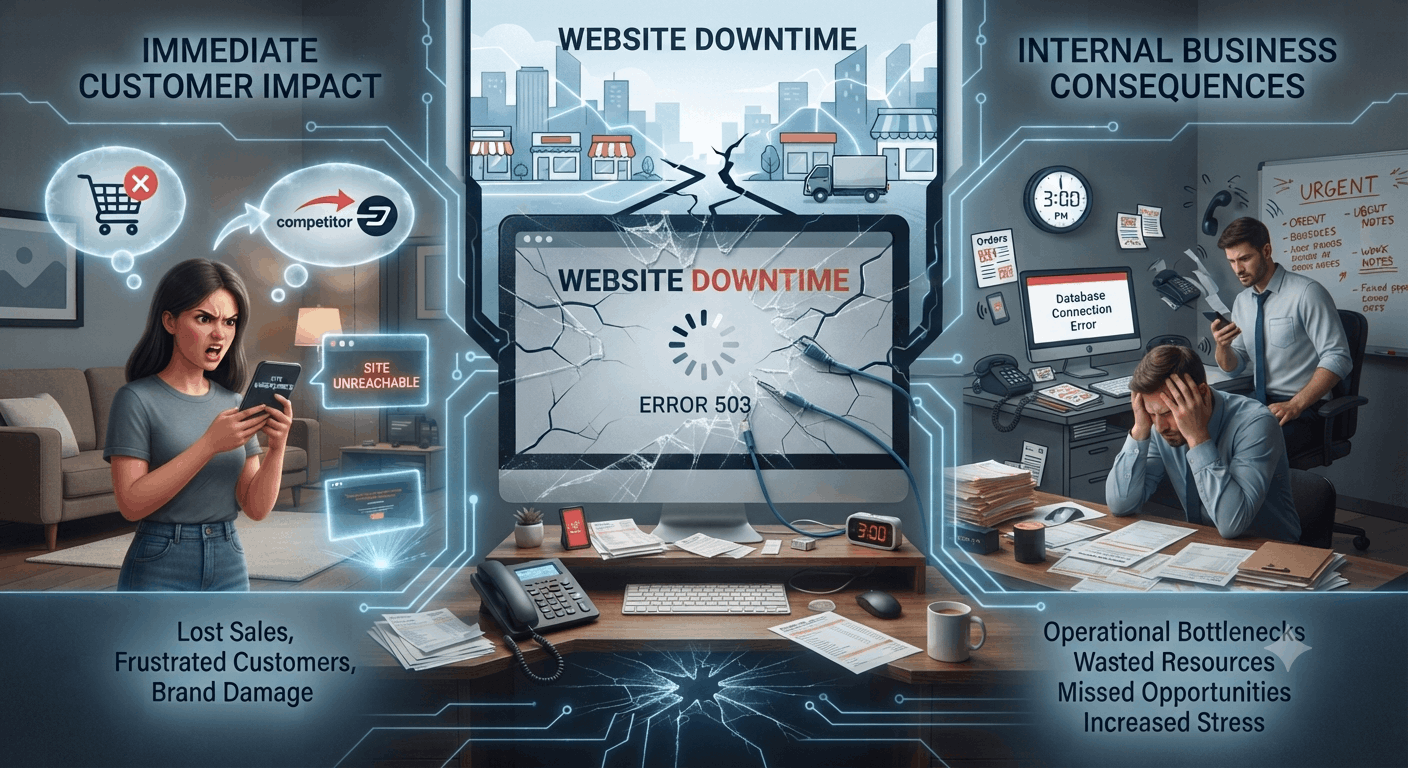
Your website is often the first place potential customers interact with your business. Whether they want to book a service, browse your products, or send an enquiry, they expect your site to be available when they need it. When website downtime happens, that experience is interrupted, and the impact can be bigger than many small business owners expect. From lost revenue to weaker customer trust and lower search engine rankings, even a short outage can create real problems.
What Is Website Downtime?
Website downtime is any period when visitors cannot access your website or parts of it. Instead of seeing your homepage, product pages, or contact form, they may run into an error message, a blank screen, or a connection failure.
It helps to separate website downtime from poor website performance. A slow website may still load eventually, while a website experiencing downtime is completely unavailable. Both can frustrate visitors, but downtime is more serious because customers cannot interact with your business at all.
Most hosting companies advertise high website uptime, often promising 99.9% availability. That sounds reassuring, but even a small amount of downtime can add up over the course of a year. For businesses that depend on online leads, bookings, or sales, every minute matters.
Common Causes of Website Downtime
Several issues can make your website unavailable, including:
- Server failure caused by hardware or software problems.
- Problems with your web hosting environment.
- A poor-quality hosting provider that struggles with reliability.
- DNS issues preventing visitors from reaching your website.
- An expired SSL certificate, causing browsers to block access.
- DDoS attacks overwhelming your server with fake traffic.
- Malware or other cybersecurity threats.
- Plugin or software conflicts after updates.
- Unexpected traffic spikes during promotions or seasonal demand.
- Human error during website maintenance or configuration.
Knowing these common causes makes it easier to take action before they turn into expensive problems.
How Website Downtime Affects Small Businesses
Lost Revenue and Missed Opportunities
One of the biggest consequences of website downtime is lost revenue. If customers cannot access your website, they cannot buy products, request quotes, schedule appointments, or submit enquiries.
For service-based businesses, every missed lead could mean losing a potential long-term client. For online stores, downtime can lead to abandoned carts and missed sales, especially during busy periods or promotional campaigns.
Website downtime also affects your conversion rate. Visitors who land on an unavailable website are unlikely to wait around. Many will simply move on to a competitor that is open and ready to help.
Damage to Customer Trust
Customers expect businesses to have reliable websites. When your site is unavailable, it creates uncertainty and frustration.
A visitor trying to contact you or make a booking may wonder whether your business is still active, whether your website has been neglected, or whether they can rely on you to deliver a good service. Over time, repeated outages weaken customer trust and make it harder to build lasting relationships.
Trust is difficult to earn and easy to lose, especially in competitive local markets where customers have plenty of alternatives.
Harm to Brand Reputation
Your website reflects your professionalism. Frequent downtime can damage your brand reputation, even if the issue is caused by technical problems outside your control.
People may leave negative reviews after a poor online experience or share their frustration with others. First impressions matter, and a website that is unavailable does not inspire confidence.
A reliable website shows that your business is established, dependable, and committed to giving customers a smooth experience.
Lower Search Engine Rankings
Search engines want to recommend websites that offer a reliable experience. If Google repeatedly finds your website unavailable while crawling it, your search engine rankings may suffer.
Short outages usually do not cause major long-term damage, but frequent or prolonged downtime can reduce your visibility in Google SEO results. Lower rankings mean less organic traffic and fewer chances to attract new customers.
Consistent website availability helps search engines crawl and index your pages properly, which supports stronger long-term performance.
Poor User Experience (UX)
A reliable website is a major part of good user experience (UX).
Visitors expect pages to load quickly and work without interruption. If they encounter errors or downtime, they are likely to leave immediately, which increases bounce rates and reduces engagement.
Even a temporary outage interrupts the customer journey. That means fewer people complete actions such as filling out a contact form, requesting a quote, or making a purchase.
Reduced Website Performance
Downtime is often preceded by declining website performance.
If pages become unusually slow before the site goes offline, visitors may already be having a poor experience. Slow page speed can discourage users, increase abandonment, and affect overall satisfaction.
Watching for performance issues early can help prevent a complete outage later.
The Hidden Costs of Website Downtime
The financial impact of downtime goes beyond missed sales.
Employees may spend valuable time responding to customer enquiries, troubleshooting issues, or handling orders manually while the website is unavailable. That reduces productivity and pulls attention away from other important tasks.
Marketing campaigns can also become less effective during downtime. Paid ads, email campaigns, and social media promotions may continue sending visitors to a website they cannot access, which wastes budget and weakens campaign results.
Perhaps most importantly, recurring downtime disrupts business continuity. A dependable website supports customer communication, lead generation, and day-to-day operations. Frequent interruptions make steady growth much harder.
Warning Signs Your Website May Be at Risk
Website failures rarely happen without warning. If your pages are loading more slowly than usual, if you are seeing frequent server or database errors, or if browsers are warning visitors about an expired SSL certificate, those are all signs that something needs attention. You should also pay close attention if customers begin reporting problems, if your hosting provider has recurring outages, or if you notice unusual traffic patterns and suspicious login attempts that could point to cybersecurity threats. Unexpected traffic spikes can also strain your server and increase the risk of downtime.
How to Prevent Website Downtime
Choose a Reliable Hosting Provider
Your hosting company plays a major role in your website’s stability.
A reputable hosting provider offers dependable infrastructure, regular maintenance, technical support, and scalable resources that can handle growth without affecting availability. While low-cost hosting may seem appealing at first, investing in reliable web hosting often saves money by preventing costly outages later.
Implement Website Monitoring
One of the simplest ways to reduce downtime is through website monitoring.
Modern uptime monitoring tools check your website continuously to make sure it is available. If something goes wrong, downtime alerts notify you right away so you can investigate before customers start reporting the issue.
Early detection usually means faster recovery and less disruption.
Strengthen Cybersecurity
Many website outages are caused by security incidents. Keeping your software updated, installing patches quickly, using strong passwords, enabling multi-factor authentication, running malware scans, and putting firewall protection in place all help reduce risk. It is also wise to use services that defend against DDoS attacks, since those attacks can overwhelm your server and make your website unavailable.
Strong cybersecurity practices protect both your website and your customers.
Perform Regular Website Maintenance
Routine maintenance keeps your website healthy.
Updating your content management system, plugins, themes, and databases on a regular basis helps prevent conflicts and improves reliability. Testing important features after updates can also help you catch problems before visitors are affected.
Preventative maintenance supports better website performance and lowers the chance of unexpected outages.
Maintain Regular Backups
No website is completely immune to problems, which is why backup and disaster recovery planning is essential.
Automatic backups allow you to restore your website quickly if something goes wrong. Store backups securely and test them from time to time so you know they will work when needed.
A reliable recovery process can significantly reduce downtime after an unexpected incident.
Create a Business Continuity Plan
Every business should be prepared for disruptions.
A simple business continuity plan explains how your team will respond during a website outage, who is responsible for fixing the issue, and how customers will be informed if the problem lasts longer than expected.
Planning ahead reduces confusion and helps your business recover more quickly.
What to Do If Your Website Goes Down
If your website becomes unavailable, stay calm and take a structured approach. First, confirm that the outage is real by checking the site from different devices or networks. Next, contact your hosting provider to find out whether the issue is on their side. Review recent updates or server logs if you have access to them, since a plugin conflict or configuration change may be the cause. If needed, restore your latest backup. If the outage is expected to last, let customers know through social media or email. Continue monitoring the site until normal service returns.
Why Professional Website Management Makes a Difference
Managing a website involves much more than publishing content.
Professional website management includes ongoing maintenance, security updates, website monitoring, performance optimisation, backup management, and proactive troubleshooting. Instead of waiting for problems to happen, experienced professionals look for risks early and fix them before they become costly outages.
This approach improves website availability, protects your online reputation, and gives business owners peace of mind. For many small businesses, working with a trusted website management provider is one of the easiest ways to keep a reliable online presence without needing in-house technical expertise.
Frequently Asked Questions
What is website downtime?
Website downtime is any period when your website cannot be accessed by visitors because of technical, server, security, or network issues.
How much downtime is acceptable?
While occasional brief outages can happen, businesses should aim for the highest possible website uptime. Frequent downtime can affect customer experience and business performance.
Can website downtime affect Google rankings?
Yes. Extended or repeated downtime can negatively influence Google SEO by making it harder for search engines to crawl and index your website consistently.
What causes website downtime most often?
Common causes include server failure, hosting problems, DNS issues, expired SSL certificates, cybersecurity attacks, software conflicts, and unexpected traffic spikes.
How can I monitor my website?
Website monitoring and uptime monitoring tools automatically check your website’s availability and send downtime alerts if an issue occurs.
Why are regular backups important?
Backups allow you to restore your website quickly after technical failures, security incidents, or accidental changes, reducing recovery time and protecting your business.
Bottom Line
Website downtime is more than a temporary inconvenience. It can affect your revenue, reputation, customer relationships, and online visibility. While no website is completely immune to technical issues, reliable hosting, website monitoring, strong cybersecurity, regular maintenance, and solid backup planning can reduce the risk significantly. Treating website reliability as part of your business strategy helps create a better customer experience and supports long-term growth.